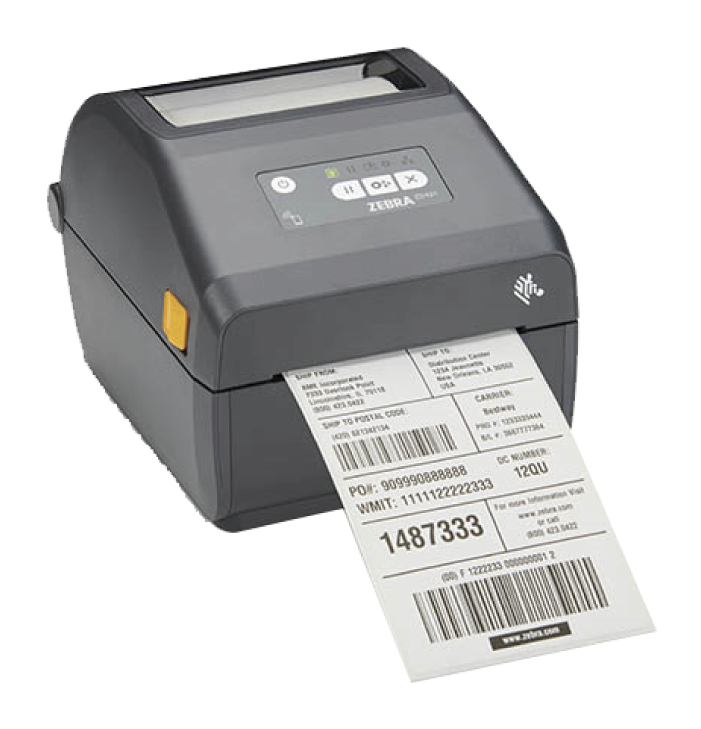
KORONA.pos Basic
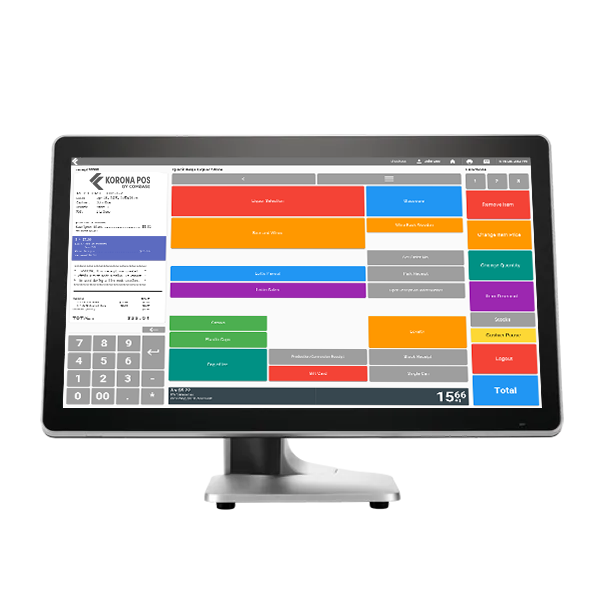
Create ideal workflows to maximize efficiency with
the customizable touch screen interface.
KORONA.menu
Use popular mobile devices to extend your POS
and improve the overall customer experience.
Can your POS bring you new customers?
KORONA can!
Find Out How
KORONA.shop
The ideal POS software for small boutiques with large ambitions. Easy to install, easy to use.
KORONA.gastro
Simplify the work flow of your restaurant operations
KORONA.ticket
Sell, generate and print various types of tickets directly through the POS system
General Features
At Combase we know that there is no such thing as a one-size-fits-all solution when it comes to the POS. That’s why we put the control of the interface in your hands, allowing you to easily configure the layout to suit the unique needs of your operations.
Images can be saved for each and every item to show up on the POS upon ringing up the item so the cashier receives immediate visual confirmation whether it is the correct article. Thus, it is virtually impossible to overlook incorrect labeling or fraud. In addition, special product information or a reminder about current specials to be offered by the cashier can also be integrated here.
Accounts are created and transactions are made directly at the POS terminal. This way, money movements which have no effect on revenue but still have an influence on the cash stock, are recorded. This applies, for example, for cash-back transactions, tips or making change. In order to keep track, you can create as many accounts as necessary for smooth daily operations.
A variety of reports can be generated directly on the register, thereby eliminating the need for additional software.
Critical reports, such as End of Day, Weekly, Monthly and individual Cashier’s Sales Reports, are generated throughout the normal work flow.
View reports quickly on the POS or take copies with you by printing them out with the receipt- or other printer.
Permissions
It’s easy to impose any staffing structure through the easy to configure user management settings. For example, easily distinguish between cashiers and salespeople or administrators by modifying the permissions for each user.
Accounting
Along with user management features, Korona.pos contains a unique receipt handling system that observes all of the generally accepted accounting principles (GAAP).
The Journal is a log of all the POS transactions made by an individual user. This works as an added layer of security for administrators. This presentation can also be printed if necessary.
All bills created after the last End of Day Report are listed in the Receipt Archive on the POS. Any document may be reprinted, cancelled or rebooked for a subsequent change in the method of payment.
Naturally, there is the possibility with KORONA.pos to integrate and immediately use additional hardware to expand its capabilities. Peripherals, such as bar code readers, additional keyboards and displays, ticket or receipt printers, card readers, or additional cash drawers support operational efficiency in the day-to-day by enabling rapid processing while reducing errors.
KORONA.pos has a modern and attractive touchscreen interface that displays only the necessary data and functions, making for the most efficient use.
It is just as easy to use KORONA.pos with a traditional keyboard and mouse, or combine these tools with a touchscreen for the ultimate input flexibility.
Finalizing transactions is a breeze with the Korona.pos total screen, that has been designed to cut down the time it takes to process a payment, whether it’s by cash or one of the many cashless payment options available.
Splitting payments across several payment types, adjusting payments and calculating tips are all handled with ease. And with the photographic currency keys and automatically inputted total, payments can usually be completed with just one or two quick keystrokes.
KORONA.shop
Real-time Receipt Display
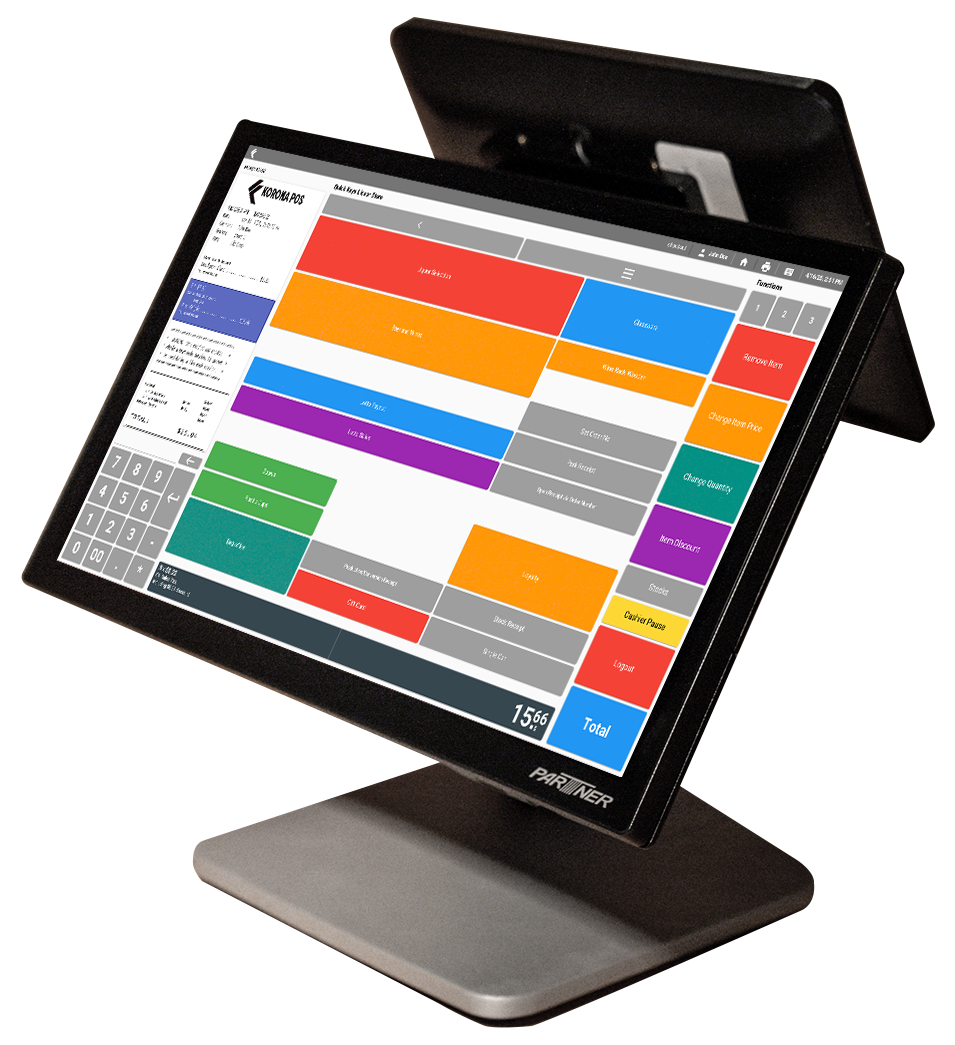
A special functionality of the KORONA.pos is the real-time updating of the receipt. The current item list is shown exactly how it will be on the final receipt. In addition, the entire receipt can be scrolled through with a flick of the finger and specific items can be selected to modified or cancelled. It all works so easily and intuitively that you won’t want to do without this convenience again.
Binding Items
At the checkout, items are usually booked in random order. When there are many items, the receipt at the end of the transaction is not only long but also confusing. The “Bind Items” function will find items with the same name, item number and price and combine them into one item with a single keystroke, thus creating an easier to read receipt (and saving on printer paper).
Splitting Items
The “Split Items” function, in contrast, lists every individual item separately on the receipt, even those with the same name, item number and price.
Product Search
When it becomes necessary to find a product in the system through means other than the usual method of scanning barcodes, it can be exhausting to navigate through an entire hierarchy, especially for systems with a complex set of products. With Korona’s Google-like product search, the user is given a powerful tool to quickly and effectively navigate to the desired product. In fact, the search is so powerful that it doesn’t even matter if only a part of the product name, the PLU or the product number is used as search criteria.
Parking Receipts
How many times has an unexpected incident, such as a wallet left in the car, temporarily forced a customer to leave the check out in the middle of the sales process, not only halting the current transaction but holding up the line behind them?
With the receipt “parking” function, the current process can be moved to the background, so that in the meantime, the operator can start a new transaction and continue to move through the line of customers.
Deposit Processing
Korona.pos Basic also includes an intelligent, automatic deposit system for disposable and reusable containers. The system supports the simultaneous acquisition of full containers, empty containers or combination boxes and also provides excellent opportunities to connect to bottle return machines (e.g. reverse vending machines).
Receipts On/Off
Do you require a printed receipt for every transaction or are you tossing out a lot of unwanted receipts? Turn automatic receipt printing on or off easily and always see the current printer status clearly. The special feature about this function is that for each transaction, which no receipt was printed, can be reprinted from the receipt archive.
In-store Barcodes
Korona.pos makes it possible to integrate in-store barcodes for products that do not come with the necessary barcodes from the manufacturer. A wide range of barcode types and barcode readers are supported.
Rapidly Switch Operators
Switching operators is easy and occurs very quickly each time you log in by way of a numeric code. The entry can be done via touch screen, keyboard, magnetic card readers, bar code scanner or a waiter’s key.
KORONA.gastro
Customizable Menu Sequence
In settings where multiple course meals are being offered, this feature is particularly ideal. Quickly organize orders into any sequence you want, for example, by assigning items as appetizer, main course, or desserts. This ensures that orders are produced in the right sequence so customers get the right items at the right time and in the perfect condition, every time.
Dealing with Special Requests
In the restaurant environment, special requests can be especially plentiful. With KORONA.pos, items can have an unlimited number of additional notes added to them. In each case, it is possible to choose directly from a pre-defined list or add a customized note. This helps ensure clear communication throughout the entire process from taking the order to delivering to the customer, making sure your customers get just what they requested.
Tips
The tip function in the KORONA.pos system sets the given tip rate to the current bill, but it always retains its own status. In other words, even though it is used in the calculation of the sale, on the receipt it will be listed separately and not included in the total turnover.
Eat-in or Take-out
If a separate tax is required for orders that are eaten in-house or as take-out, Korona will certainly accommodate you.
Easily Split Receipts
Especially in the restaurant, it happens so often that customers want to share a table and split the bill. For this, the waiter will find that good help is at hand. With just a few keystrokes receipts are quickly merged or split, so that it won’t ever happen again that a waiter must take pen to paper and work out the split by hand.
Print Production Slip
It is easy to configure which items are required to be produced by the kitchen or bar, allowing order takers to print a production slip just for the kitchen. In addition, only the items which have not yet been printed on a production slip will be printed, so that items are not reproduced. This is especially important in restaurant scenarios where multiple courses may be ordered on the same ticket.
Special Promotions
Special pricing rules and promotions are essential tools for achieving customer loyalty or for increasing business during a typically slow time of day. Promotions such as a “Daily Special” or “Happy Hour” can be easily set in the POS with specified dates and times.
During the ordering process, Korona.pos instantly checks if an article is part of a campaign, applies the discount and if desired, can even notify the cashier with details about the promotion. If an item is a part of several promotions, the greatest discount will be selected automatically.
Combine this with the visual notifications and no promotion will escape the cashier so your customer is always given the best price.
Electronic Waiter’s Notebook
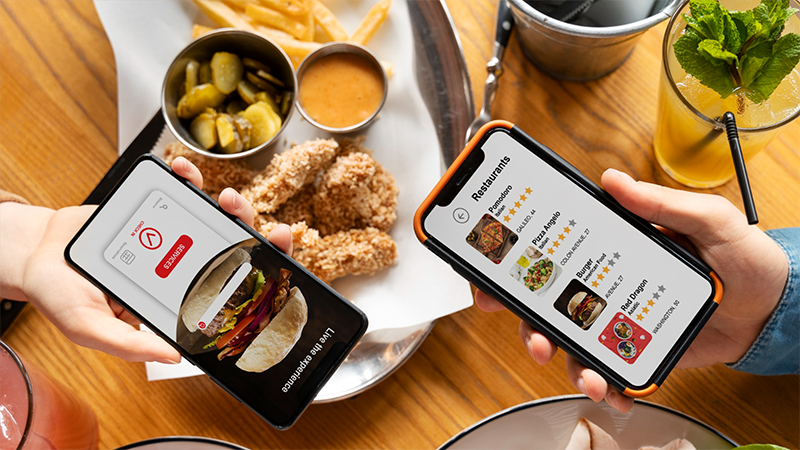
KORONA.menu is the ideal complement for any KORONA.pos in the hospitality sector. It completely replaces the old waiter’s notepad without the need for expensive, specialized equipment. All you need is a 4 oz. iPod Touch or iPad and you can perform all of the relevant cash register functions right at the table.
All of the recorded data is transmitted in a split second through your wireless network to the POS. Learn more
KORONA.ticket
Magnetic Stripe and RFID
Support for a wide variety of input including magnetic stripe and RFID chips.
Ticket Printing
For everyday events allow yourself the ideal advantages of KORONA.pos. A variety of receipts and ticket printers from a wide variety of leading manufacturers can connect easily. There are no obstacles for printing a single ticket in high speed or even plastic cards with up to four colors is not a problem.
Pricing Structures
Flexible ticket pricing structures allow you to create the structure that best suits the needs of your event or organization.